
Design the process
Build governed templates with drag-and-drop fields, validation, conditional logic, and reusable categories.
Operational workflows, from field to insight
Connect configurable forms, assigned and independent work, mobile evidence, reviews, finding follow-ups, and reports. Plan in the web admin. Keep work moving in the field.
One operational system for
One connected workflow
Shape the process once. Formevora keeps every assignment, response, decision, and follow-up connected from then on.
Build governed templates with drag-and-drop fields, validation, conditional logic, and reusable categories.
Configure assigned form work by person, team, project, site, and reviewer. Create individual general tasks when no form is needed.
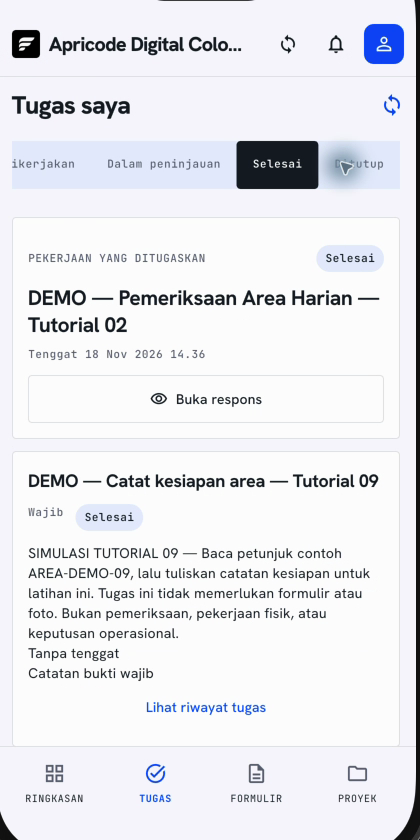
Claim assigned form work or start an enabled independent form. Save drafts on the device, then track queued and synchronized responses.
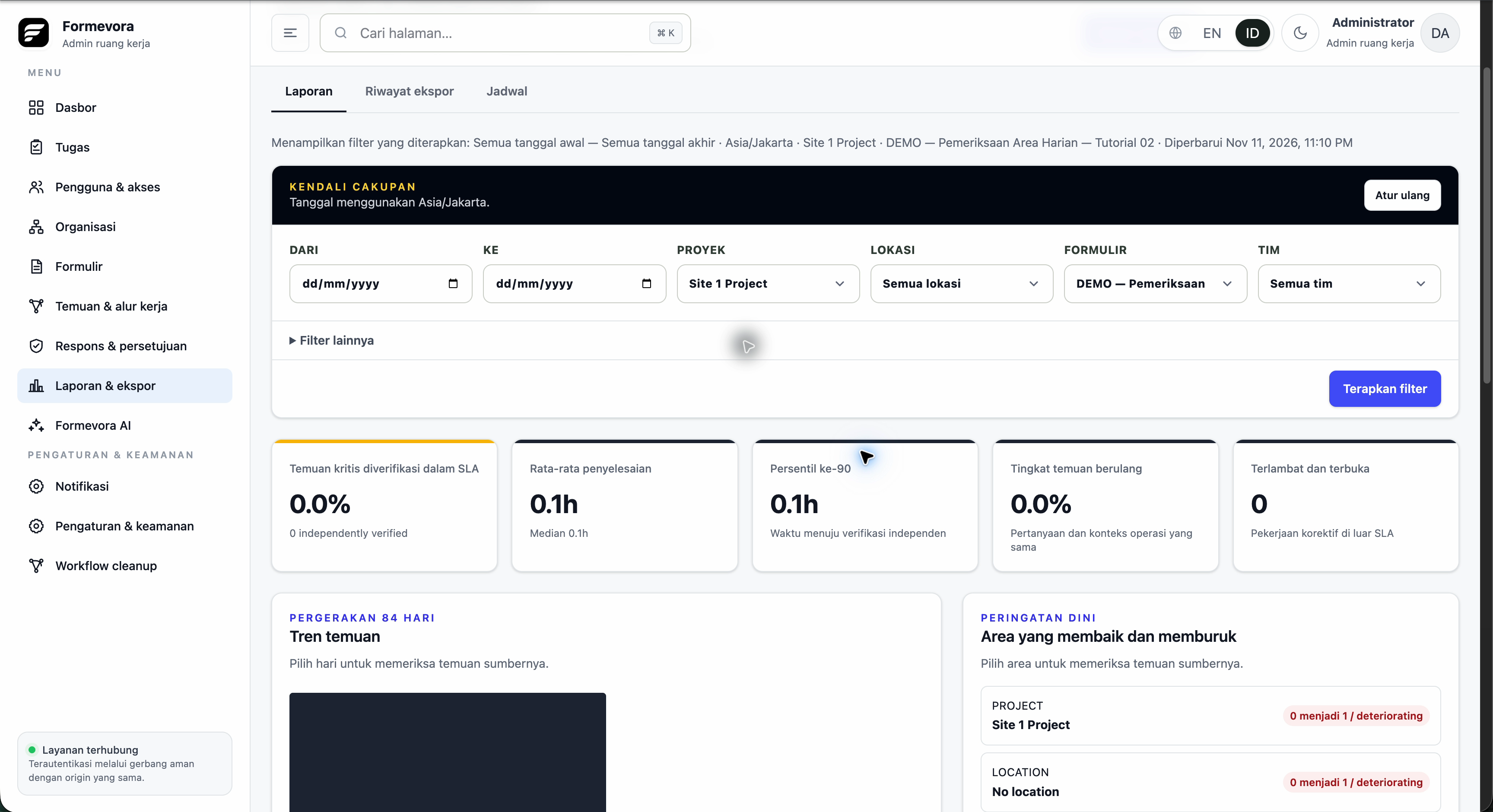
Request corrections with a reason, preserve response revisions, verify finding follow-ups, and export reports linked to the source evidence.
Built for the whole operation
Form builder
Use structured fields, conditional sections, repeatable tables, evidence rules, validation, and responsive layouts—then publish an immutable version.
Field execution
Prepare authorized forms while online, retain local drafts when the signal drops, and check the sync queue after reconnecting. A saved draft is not yet a submitted response.
Accountable workflows
Request corrections with a reason and keep linked revisions. Follow configured findings through completion and independent verification.
Operational insight
Filter reports by operational scope, check freshness and timezone, open the source response or finding, and export CSV records within your access.
Web admin + mobile app
Give administrators the controls to organize work and field teams a clear way to complete it. Each view follows the workspace, role, and access of the person using it.
Cached form drafting supports offline work. General tasks and reviewer response history require a connection.
Learn the mobile workflowAvailable features depend on your role, workspace configuration, and app version. Catalogue access alone does not enable independent form responses. A synchronized response can still be waiting for review.
Formevora AI add-on
Go beyond collecting evidence. Formevora AI helps teams understand completed work, surface operational risk, and prepare follow-up without giving a model control of the workflow.
MANAGEMENT BRIEFING
Repeated temperature exceptions were recorded on two assets. One corrective action is overdue and should be reviewed before the next scheduled round.
Preventive maintenance roundResponse · Plant 2 · 24 Aug
EvidenceOpen corrective actionFinding · Compressor C-14
WorkflowOne foundation, many operations
Formevora is not a safety-only tool. Configure the same dependable foundation around the work, terminology, controls, and reporting your organization already uses.
Explore the control layerSite inspections, toolbox meetings, permits
Pre-starts, environmental checks, compliance
Maintenance rounds, asset checks, handovers
Opening checks, tenant operations, incidents
Quality checks, SOPs, corrective actions
Job records, evidence, customer sign-off
Governance by design
Operational data stays meaningful because control is built into how work is created, distributed, completed, and reviewed.
Learn by doing
Follow 10 short Indonesian video guides, recorded in Formevora with Ardi narration and Indonesian subtitles. Learn to create forms, assign work, complete tasks, review responses, follow up findings, and export reports.
Explore the tutorials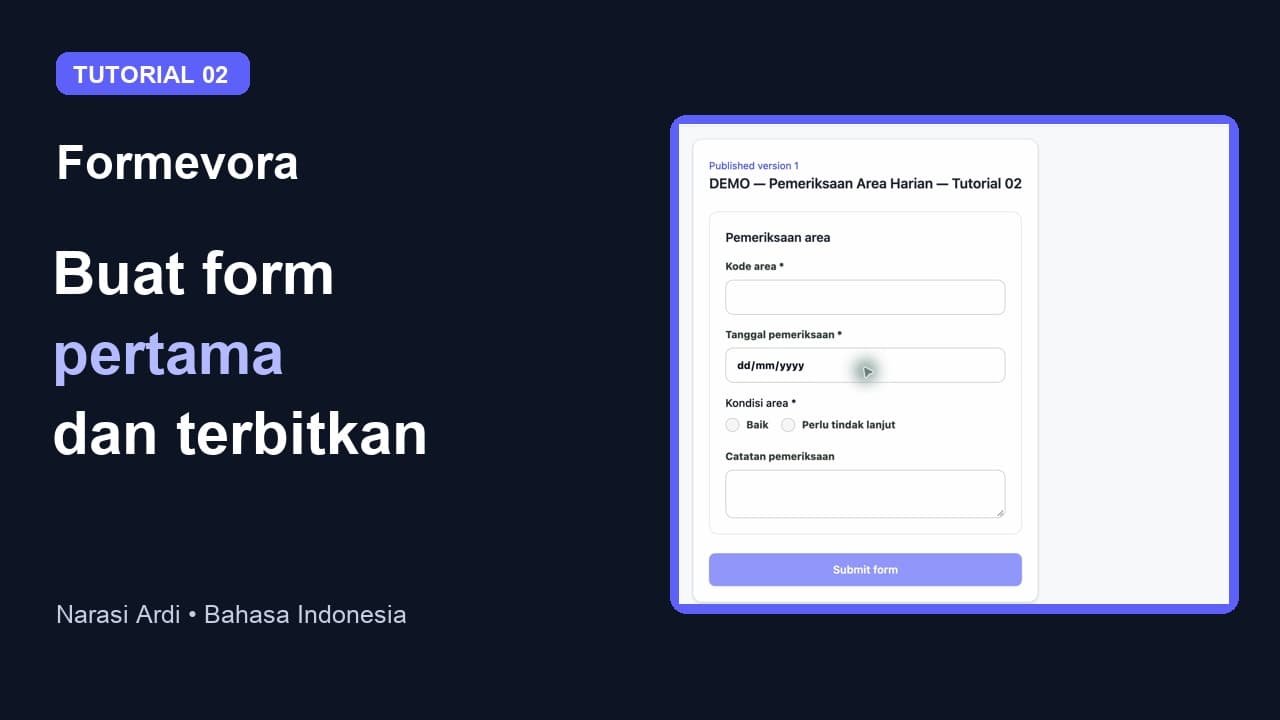 01–10 / Panduan Formevora
Make operations visible
Tell us where operational work gets stuck today. We'll show you how Formevora can fit the forms, assignments, evidence, approvals, and reporting your team needs.